Cache: The Hidden Hero
Did you know that a CPU's cache can be up to 100 times faster than your RAM? Yet, it's often the most overlooked part of your processor's specs.

By Marcus Liu
When you're building or upgrading a PC, you probably focus on the big-ticket items: CPU clock speed, number of cores, GPU power, and maybe even your RAM. But there's a sneaky little spec that often flies under the radar—CPU cache size. It's not as flashy as a 5.0 GHz clock speed or a 16-core processor, but it can make a world of difference in how your PC performs.
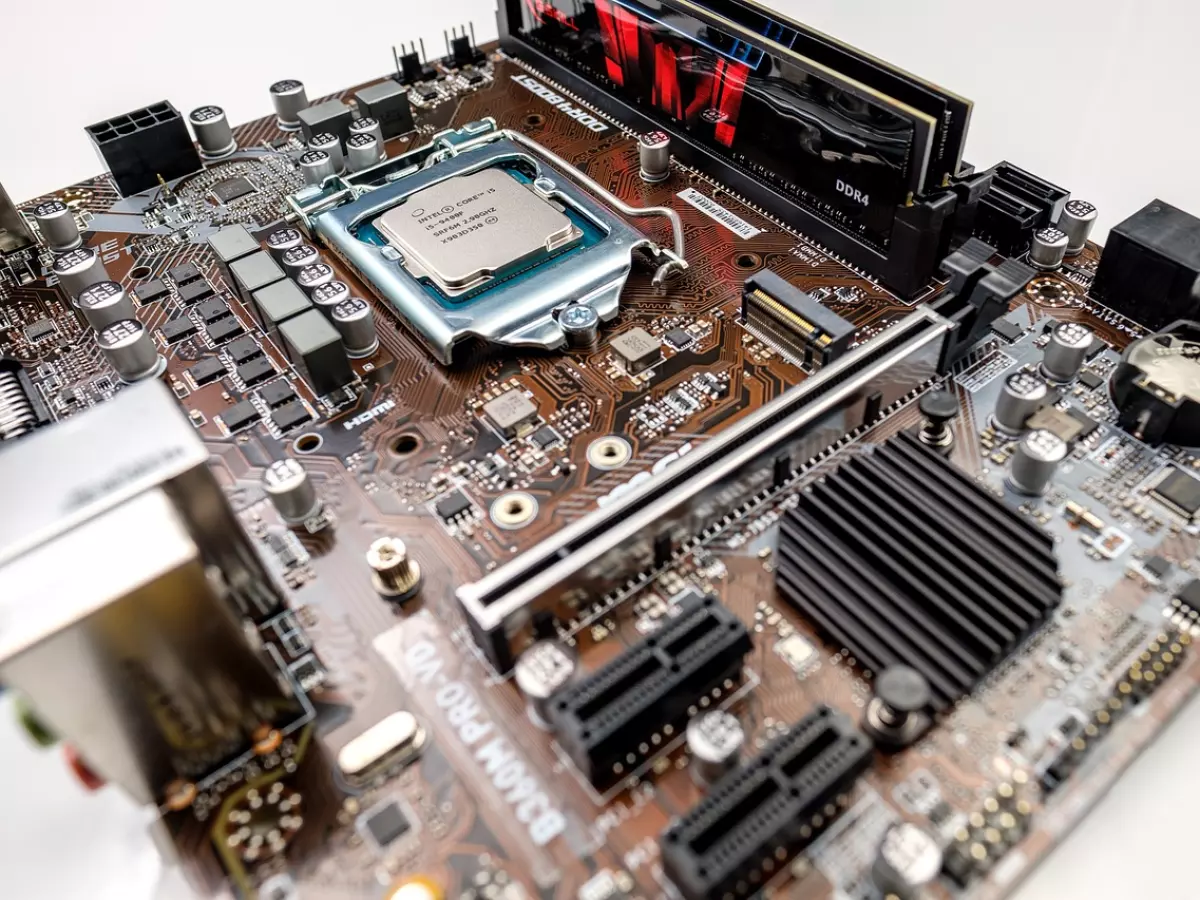
So, what exactly is CPU cache, and why should you care? In simple terms, cache is your CPU's private memory bank. It's where the processor stores frequently used data so it can access it quickly, without having to go all the way to your RAM or, heaven forbid, your storage drive. Think of it as your CPU's personal assistant, always ready with the info it needs, right when it needs it.
Cache Levels: L1, L2, and L3
Before we dive into why cache size matters, let's break down the different levels of cache. CPUs typically have three levels of cache: L1, L2, and L3. Each of these levels serves a different purpose and operates at different speeds.
- L1 Cache: This is the fastest and smallest cache, located directly on the CPU core. It's the first place your processor looks for data. Think of it as the VIP section of your CPU's memory.
- L2 Cache: Slightly larger and slower than L1, L2 cache is still located on the CPU, but it's shared between cores. It's like the business class of your CPU's memory hierarchy.
- L3 Cache: The largest and slowest of the three, L3 cache is shared across all cores. It's still way faster than your RAM, but it's the economy class of cache memory.
Each level of cache plays a role in speeding up your CPU's access to data, but the size and speed of each can significantly impact overall performance. More cache means your CPU can store more data close to its processing cores, reducing the need to fetch data from slower memory sources like RAM or storage.
Why Cache Size Matters
Now, you might be thinking, "Okay, cool, but how much does cache size really affect my PC's performance?" The answer: a lot more than you might expect.
When your CPU has a larger cache, it can store more frequently used data. This means fewer trips to your RAM, which is slower than cache memory. The result? Faster processing times, especially for tasks that involve repetitive data access, like gaming, video editing, or even just opening a bunch of browser tabs. In fact, according to some benchmarks, a larger cache can improve performance by up to 10% in certain applications.
But it's not just about speed. Cache size can also impact your system's efficiency. A CPU with a larger cache can handle more data without needing to access slower memory, which means it can complete tasks using less power. This is especially important for laptops or energy-conscious desktop builds where power efficiency is a priority.
When Cache Size Really Shines
So, when does cache size make the biggest difference? Here are a few scenarios where you'll really feel the impact:
- Gaming: Modern games rely heavily on fast data access. A larger cache can help your CPU keep up with the demands of high-frame-rate gaming, reducing stutters and improving overall smoothness.
- Multitasking: If you're the kind of person who has 20 browser tabs open while running Photoshop and streaming music, a larger cache will help your CPU juggle all those tasks more efficiently.
- Video Editing: Editing software like Adobe Premiere or DaVinci Resolve often requires quick access to large files. A bigger cache can help your CPU handle these tasks without slowing down.
- Data Processing: If you're working with large datasets or doing any kind of computational work, a larger cache can significantly speed up your processing times.
How Much Cache Is Enough?
Alright, so cache is important, but how much do you actually need? Well, that depends on what you're doing with your PC. For most users, a CPU with 6MB to 12MB of L3 cache is more than enough for everyday tasks like web browsing, streaming, and light gaming.
If you're a power user—someone who games at 1440p or 4K, edits videos, or works with large datasets—you'll want to aim for a CPU with at least 16MB to 32MB of L3 cache. Some high-end processors even offer up to 64MB or more, but unless you're doing extremely demanding work, that's probably overkill.
It's also worth noting that cache size isn't the only factor that determines performance. Clock speed, core count, and architecture all play a role. But if you're looking to squeeze every last bit of performance out of your CPU, don't overlook the cache.
What's Next for CPU Cache?
As CPUs continue to evolve, we're likely to see even larger and faster caches in future processors. Some companies are already experimenting with new types of cache memory, like stacked cache or even AI-optimized cache management. These innovations could lead to even greater performance gains, especially in areas like gaming and data processing.
So, the next time you're shopping for a new CPU, don't just focus on clock speed and core count. Take a closer look at the cache size—it might just be the secret ingredient to unlocking your PC's full potential.