Latency Matters
Latency is the silent killer of PC performance, and understanding it is key to unlocking your system's full potential.

By Tomás Oliveira
When you think of PC performance, you probably imagine raw power—CPU clock speeds, GPU cores, or even the amount of RAM. But here's a curveball: latency might be the most overlooked factor that can make or break your system's performance. According to industry experts, latency is often the hidden bottleneck that can slow down even the most powerful rigs.
So, what exactly is latency? In simple terms, it's the delay between a request and the corresponding response. Whether you're opening a file, running a game, or even just moving your mouse, latency is the time it takes for your system to process that action. And trust me, it’s everywhere—from your CPU to your storage, and even your network. The lower the latency, the faster your system feels.
Latency in CPUs: The Brain Lag
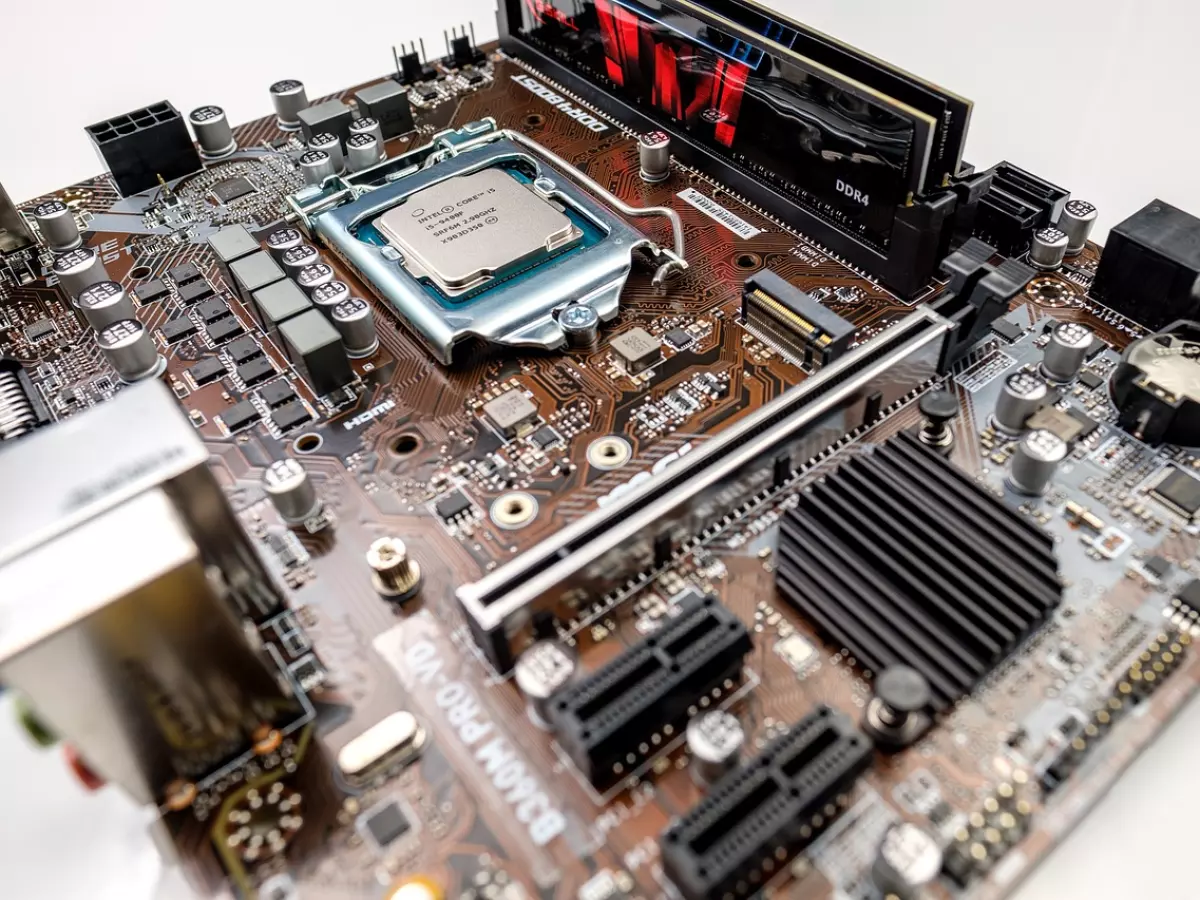
Let’s start with the heart of your PC—the CPU. Latency in CPUs can occur in several areas, but the most common culprit is memory access. When your CPU needs data, it first checks its cache (L1, L2, or L3). If the data isn’t there, it has to reach out to your system’s RAM, which takes longer. This delay is known as memory latency, and it can seriously impact your system’s performance, especially in tasks that require frequent memory access like gaming or video editing.
But wait, there’s more! CPU latency isn't just about memory. It also involves how quickly your CPU can communicate with other components like your GPU or storage. This is where technologies like PCIe lanes come into play, as they help reduce the time it takes for data to travel between components.
Storage Latency: The Slowpoke
Ever wonder why your SSD feels faster than your old hard drive? It’s not just about read/write speeds; it’s also about latency. SSDs have significantly lower latency than traditional HDDs because they don’t rely on mechanical parts. In an HDD, the read/write head has to physically move to the correct location on the disk, which introduces delays. SSDs, on the other hand, use flash memory, allowing for near-instantaneous access to data.
However, not all SSDs are created equal. NVMe SSDs, for example, have much lower latency compared to SATA SSDs because they use the PCIe interface, which allows for faster data transfer. If you’re looking to reduce storage latency, upgrading to an NVMe SSD is a no-brainer.
Network Latency: The Online Killer
If you’re a gamer, you’ve probably heard the term “ping.” That’s just another word for network latency, and it’s the time it takes for data to travel from your PC to a server and back. High network latency can make online gaming feel sluggish, causing delays between your inputs and what happens on screen. But it’s not just gamers who suffer; high network latency can also affect video calls, file transfers, and even web browsing.
Reducing network latency often involves upgrading your internet connection or switching to a wired Ethernet connection instead of relying on Wi-Fi. But don’t forget, your router also plays a role. A high-quality router with low-latency features can make a world of difference.
Peripheral Latency: The Input Lag
Ever felt like your mouse or keyboard wasn’t as responsive as it should be? That’s peripheral latency, also known as input lag. This is the delay between when you press a key or move your mouse and when that action is registered on your screen. For most users, this might not be a big deal, but for gamers or professionals who rely on precision, even a few milliseconds of delay can be frustrating.
To reduce peripheral latency, make sure you’re using wired peripherals instead of wireless ones. While wireless technology has come a long way, wired connections still offer the lowest latency. Additionally, gaming peripherals often come with features like higher polling rates, which can further reduce input lag.
How to Measure and Reduce Latency
Now that you know where latency can occur, how do you measure it? One of the easiest ways is to use benchmarking tools like LatencyMon or HWMonitor. These tools can give you a detailed breakdown of where latency is happening in your system, whether it’s your CPU, storage, or network.
Once you’ve identified the bottlenecks, reducing latency becomes a matter of optimization. For CPU latency, you can try overclocking your CPU or upgrading your RAM to a faster model. For storage, as mentioned earlier, an NVMe SSD is your best bet. And for network latency, upgrading your router or switching to a wired connection can work wonders.
Final Thoughts: Latency Is Everywhere
Latency is like that annoying background noise you didn’t realize was there until someone pointed it out. Whether it’s in your CPU, storage, network, or peripherals, it’s a silent performance killer that can affect everything from gaming to productivity. The good news? Once you understand where latency comes from, you can take steps to reduce it and unlock your PC’s full potential.
So next time your PC feels sluggish, don’t just blame the CPU or RAM—think about latency. Because in the world of computing, every millisecond counts.
Did you know that reducing latency by just 10 milliseconds can make your PC feel up to 20% faster in certain tasks? Now that’s something worth optimizing for!