Take Full Control: Customize Your DualSense Edge Controller on PC
Sony is making it easier than ever for PC gamers to customize their PlayStation 5 DualSense Edge controllers with the new Accessories app for Windows.
By Mia Johnson
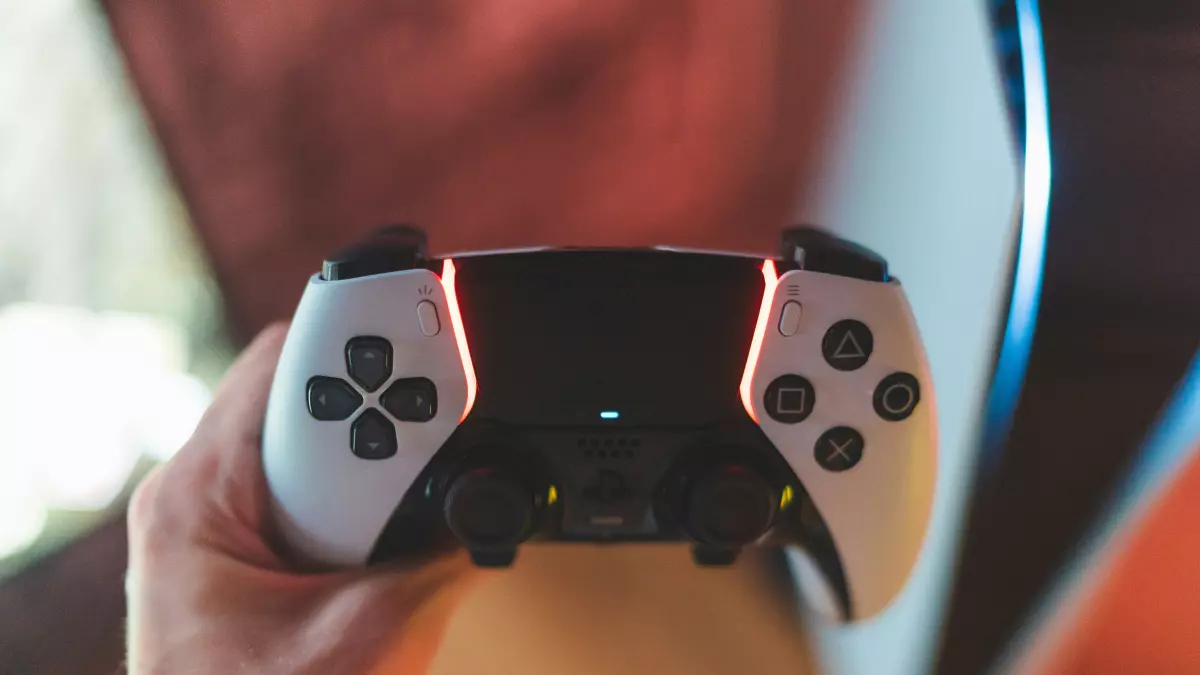
Sony has officially launched the PlayStation Accessories app for Windows, allowing PC gamers to fully customize their DualSense Edge controllers. This new app goes beyond the previous “Firmware updater for DualSense wireless controller” by offering a range of customization options that were previously only available on the PlayStation 5.
With the Accessories app, you can now tweak button assignments, adjust stick sensitivity, and fine-tune trigger deadzones directly from your PC. This is a significant upgrade for those who prefer gaming on a PC but want the same level of control and customization that PlayStation 5 users enjoy.
In addition to these new features, the app still allows you to update the firmware on both the DualSense Edge and the standard DualSense controllers, ensuring that your hardware is always up to date.
Sony’s push into the PC gaming space has been evident with the release of several top PlayStation titles on PC, including Horizon Forbidden West, Ghost of Tsushima, and The Last of Us Part I. The launch of the Accessories app is another step in making PlayStation hardware more accessible and customizable for PC gamers.
Earlier this year, Sony also introduced a PlayStation PC overlay, which allows users to view their friends list, Trophies, and account settings directly from their PC. While currently limited to Ghost of Tsushima, this overlay hints at Sony’s broader ambitions to integrate PlayStation services into the PC ecosystem.
With these new tools, Sony is clearly committed to offering a more seamless experience for gamers who split their time between consoles and PCs.